








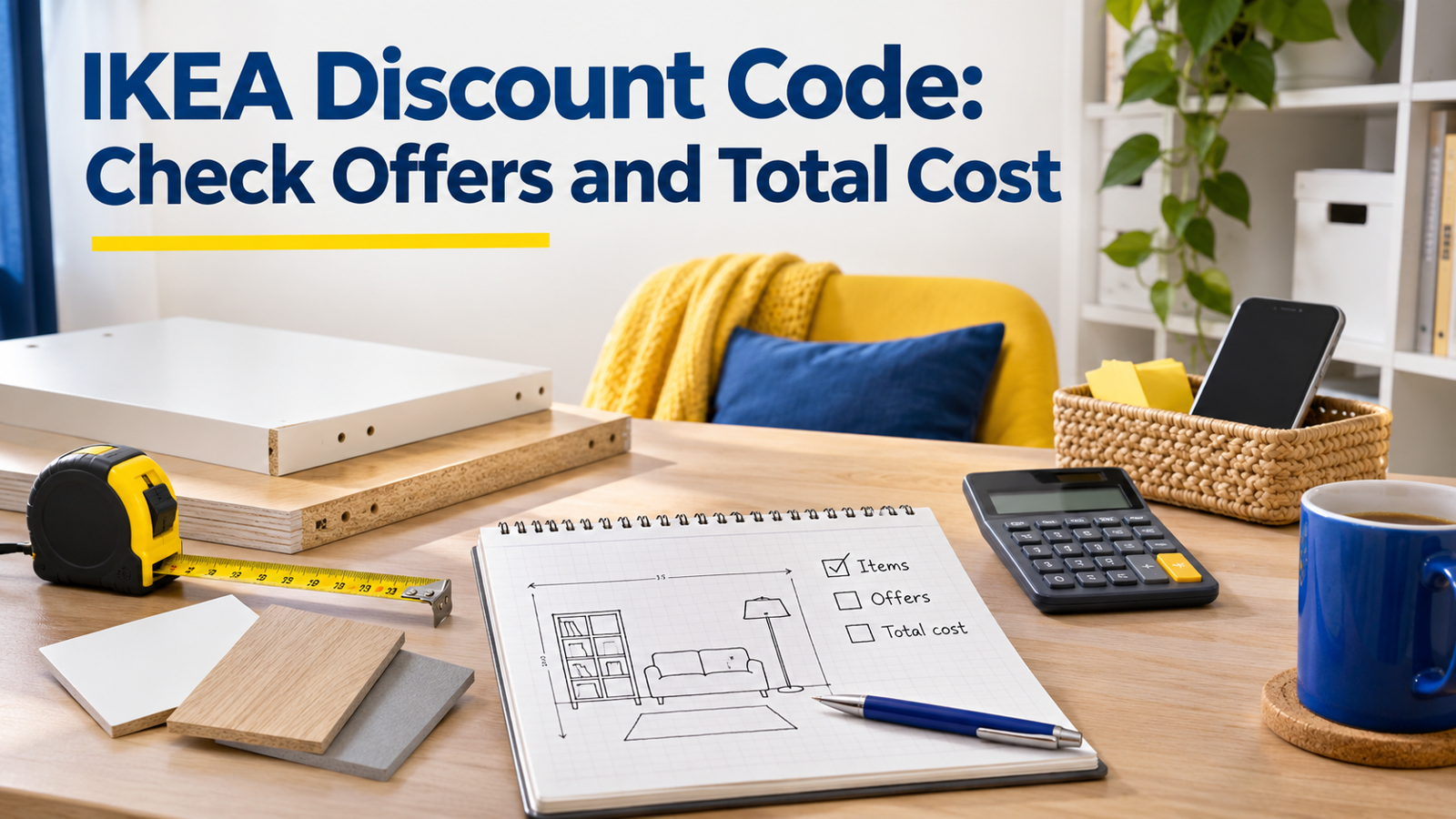
An IKEA Discount Code is only useful when its official terms match the products, account and shopping channel you intend to use. IKEA UK also runs member prices and automatic offers that may not require a typed code, so the best starting point is the retailer’s own offers page.
Checked on 6 November 2026, this guide explains how to assess those offers without promising a universal working code. Prices, eligible ranges and availability can change. Compare the complete purchase you need, including delivery or collection, rather than choosing a basket because its discount percentage looks impressive.
Where to Look for an IKEA Discount Code
Start with IKEA UK’s official offers and then open the terms attached to the relevant promotion. During this review, the page displayed selected IKEA Family offers marked for in-store use and a four-for-three DRÖNA offer described as applying at checkout.
Those examples demonstrate different promotion mechanisms. An in-store member offer is not automatically an online voucher, while an automatic multi-buy does not necessarily need a code. Read the individual listing rather than treating all savings as interchangeable.
If a third-party site advertises a code, trace its eligibility back to the retailer where possible. A recently updated voucher page can still contain a code that does not fit your basket. Do not enter payment details on an unfamiliar site simply to reveal a supposed IKEA voucher.
Distinguish Membership From a Voucher
The official IKEA Family page describes free membership, member benefits and a points-based rewards arrangement. Membership can therefore matter even when the saving is not presented as a public code that anyone can paste into a box.
Check whether you need to log in online or identify your membership in store. Also check whether a reward must be selected or activated before use. The presence of a member price on a page does not establish that every customer receives it in every channel.
Keep a record of which mechanism you are comparing. “Member price,” “automatic offer” and “coupon” explain different things about the transaction. This makes troubleshooting easier if the basket does not show the reduction you expected.
Compare the Exact Product Configuration
Furniture ranges often include multiple sizes, finishes and component combinations. A headline image may show an arrangement that includes parts sold separately. Compare article numbers and the full set of necessary components before deciding that two totals refer to the same purchase.
For a hypothetical shelving project, list the frame, doors, hinges and interior fittings you actually need. If one offer covers only the frame, it cannot be compared directly with a complete combination elsewhere. The correct comparison is the finished solution that meets your requirement.
Use dimensions as well as names. A discounted item is poor value if it does not fit the available space or perform the intended task. Measure first, then compare eligible versions, rather than changing the plan merely to make a promotional badge appear.
Treat In-Store and Online Shopping as Separate Options
An offer restricted to a store may be useful if the item is available there and the trip makes practical sense. It should not be presented as an online code failure when the same reduction does not appear on the website. The channel is part of the eligibility condition.
Compare the effort and costs associated with each option. Travel, transport capacity and time can matter alongside the product price. These are your own circumstances, not charges that should be assumed to appear on an IKEA invoice.
Before making a journey, check the retailer’s current stock information and the applicable offer. A promotion can be genuine while the specific item you need is unavailable at the chosen location. Avoid treating an old screenshot as a reservation or stock guarantee.
Add Delivery Before Declaring a Saving
IKEA’s UK delivery information states that available options depend on factors including order size, location, demand and product availability. The checkout shows the options, estimated lead times and exact prices for the order.
This means a product-only comparison can be incomplete. Enter the intended delivery location and compare the final basket under the same service assumptions. A lower item total with a more expensive delivery arrangement may not be the cheaper overall option.
Do not add unwanted products solely to alter a delivery threshold without doing the arithmetic. The relevant question is whether the revised payable total is lower for items you need. A basket that qualifies for a benefit can still require more spending than the original plan.
Use a Written Basket Comparison
Create two columns: the purchase without the promotion and the same purchase with it. Record identical article numbers, quantities and service choices. Then record the displayed discount and the final amount payable.
For an illustrative example, suppose the intended products total £120 and an eligible reduction removes £12. If an optional extra costing £20 is added during checkout, the new £128 product total is higher than the original £120, despite the discount. These figures explain the calculation and are not an IKEA offer.
The method also works across retailers. The site’s Currys discount guide considers basket-level comparisons, while the Argos offer guide discusses checking a promotion’s conditions. Keep the evidence specific to the retailer and transaction being assessed.
Check the Practical Purchase Before Payment
Review quantity, size, finish and collection or delivery selection once more. A successful discount message does not establish that the rest of the order is correct. Pay particular attention when an alternative variant was selected during a stock check.
Read the relevant return information before buying, especially where the product or service has specific conditions. This guide does not promise a particular refund outcome. The actual item, purchase channel and applicable terms determine what needs checking.
Keep the confirmation and the terms you relied on. If the charged total differs from the final review screen, a clear record helps explain the question to customer service. Record the discrepancy without sending unnecessary payment or account details in an unsecured message.
When a Code Does Not Work
Check the ordinary causes in a sensible order: country site, expiry, eligibility, required membership, qualifying products and the shopping channel. Confirm that the code was entered as supplied. Do not repeatedly change unrelated settings without identifying the condition that failed.
If an automatic price is already applied, adding a separate code may not be part of that offer. Consult its terms rather than assuming promotions can be combined. When the terms remain unclear, contact the retailer through its official support route before completing the purchase.
Finally, be willing to buy without a code if the verified final price is the best suitable option. The objective is an appropriate purchase at a defensible total, not the appearance of a voucher field being used successfully.
For shared household purchases, agree the comparison with the other person before ordering. Confirm that both of you mean the same dimensions, finish and delivery arrangement. This avoids a nominal saving that creates a second trip or an unsuitable replacement later.
Frequently Asked Questions
Is there a universal IKEA UK discount code?
This review did not verify a universal code for every basket. Check the retailer’s current offers and the terms of the specific promotion.
Do all IKEA offers need a code?
No. The official page includes examples of member offers and promotions applied automatically. Each listing explains how that particular saving works.
Is IKEA Family free to join?
The UK membership page describes free membership. Check its current benefits and any specific reward conditions before relying on them.
Why is an advertised reduction missing online?
The offer may be restricted by channel, product, date or membership. An in-store-only listing should not be assumed to apply to an online order.
What total should I compare?
Compare the payable total for the exact products and service you need. Include delivery or collection charges and remove optional additions you did not intend to buy.